Laser cutting is utilized for crafting various products. The refined edges it creates give the products a stunning look. Its refined cutting and engraving make it the best choice for stencil cutting. Laser cutting facilitates the intricate process of stencil manufacturing and offers you perfect stencils.
In this blog post, you’ll learn about the process of cutting stencils by using laser technology. You’ll also explore its advantages and precautions you should take during laser cutting stencils.
Overview of Laser Cutting
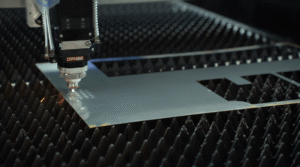
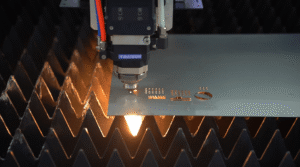
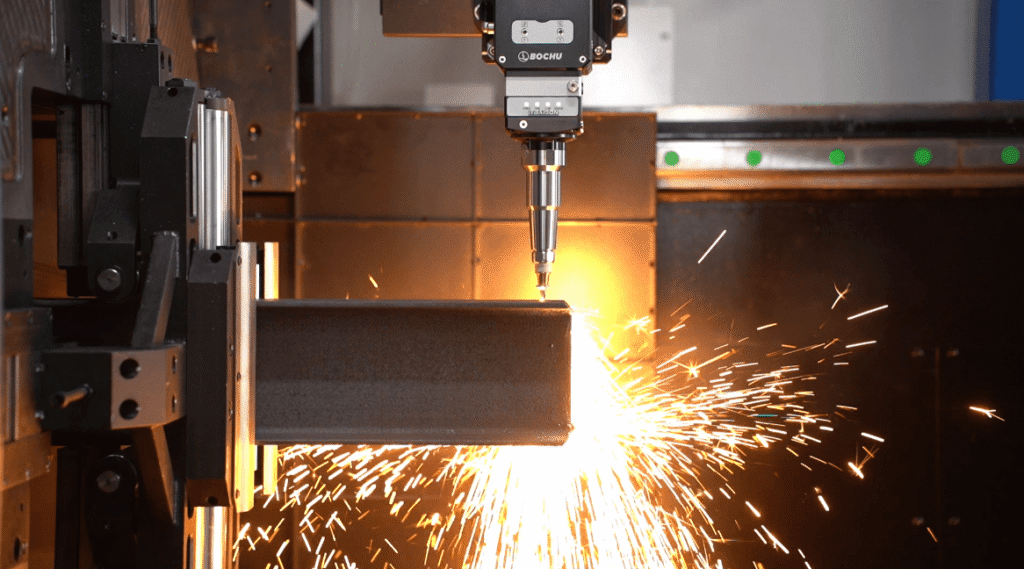
Laser cutting is gaining popularity due to its high accuracy and simplicity. An outline or template is cut out from a thin sheet to create different designs over surfaces by using a high-energy laser beam. The high-intensity beam melts and vaporizes the material.
This technique is implemented to cut different materials, including wood and metal. The most commonly used material for laser-cutting is Mylan due to its durability and versatility. Designers and artists use stencil laser cutting art in numerous applications.
Advantages of Laser Cut Stencils
Using laser cutting technology is very beneficial for the following reasons:
1. Easy Repetitive Artwork
Laser cutting stencil is a popular technique as it offers high precision and accuracy. Due to this, it is a preferable choice for industries to produce complex designs repeatedly.
If the correct stencil design principles and laser cutter settings are used, these laser cutters can create repetitive artwork in less time. According to Dinexltd, the high speed and precision of laser technology ensure the accurate repeatability of the stencil design.
2. Less Costly
Stencilssave time and effort and are cost-effective. They can be reused and tweaked into new stencil designs by applying fresh spray paint. Most importantly, it is easy to patch up the design if it fades over time.
3. Enhances Overall Look
Home decor, crafts, and packaging industries extensively use laser cutting technology due to its reproducibility and quick application. They deliver an aesthetic outlook in a more budget-friendly way.
4. Variety of Sizes
Laser-cut stencils are not limited to a specific range of sizes. It is available from a few millimeters to an amazing machine limit of approximately 250cm by 130 cm. However, you must consider different factors to achieve the desired results.
When evaluating the comprehensive benefits of a laser cutting stencil, hollow platitudes are no substitute for real workshop production data.
BAISON factory tests demonstrate that using high-power fiber laser cutting machines to produce metal or high-density plastic stencils directly slashes upfront prototyping costs by over 70% through digital, mold-free processing compared to traditional die-cutting molds.
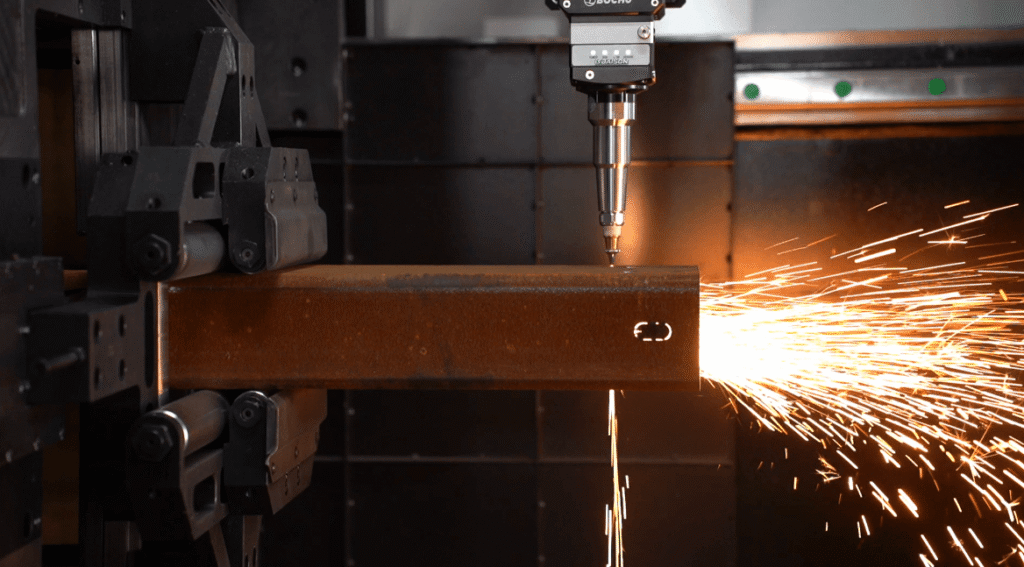
In terms of processing format, BAISON’s standard industrial models have long broken through the conventional 250cm×130cm industry limitation, easily achieving ultra-large format processing of 3000mm×1500mm and above.
Coupled with a repetitive positioning accuracy of ±0.03mm, they ensure seamless pattern splicing even when facing giant hollowed-out architectural decoration stencils with a span of over 2 meters. This helps manufacturing plants break through capacity bottlenecks and exponentially multiply their processing profits.
What Materials are Used for Laser Cut Stencils?
Any material that can be laser cut can be used to make the stencil. According to the Cleveland Public Library, you should know which materials to cut with a laser before starting any project. Some of the most suitable materials for laser-cut stencils are described as follows:
1. Paper
The most readily available and suitable material for the laser-cut stencil is paper due to its quick and precise cutting. However, it is not preferable due to its absorbent nature and susceptibility to rapid tear, making it suitable for one-time use.
2. Mylar (Polyester)
A thin polyester film or Mylar sheet is a popular choice for the laser-cutting stencil due to its non-absorbent quality, making it suitable for repeated use. Mylar stencils can be cut quickly and precisely, giving quality graphics with accurate and detailed graphics at a relatively low cost.
3. Sticker Paper
Sticker paper has properties similar to paper but possesses an additional adhesion property after applying glue or pain, thereby giving more accurate results. This material is highly recommended for stencils when spray painting or using glue on cylindrical bodies.
4. Polypropylene (PP)
This plastic sheet is available in variable thicknesses, typically ranging from 0.3mm to 1.0mm. Industries use the material due to its flexibility and availability for repeated uses. One drawback to using this material is that it tends to melt near the cutting areas. Therefore, it is used to design less detailed graphics.
5. Cardboard
High-density cardboards are used for making stencils. This has properties similar to the paper but is more durable due to extra thickness. Laser-cutting of this material is also relatively inexpensive due to the lower cost of the material.
6. Acrylic
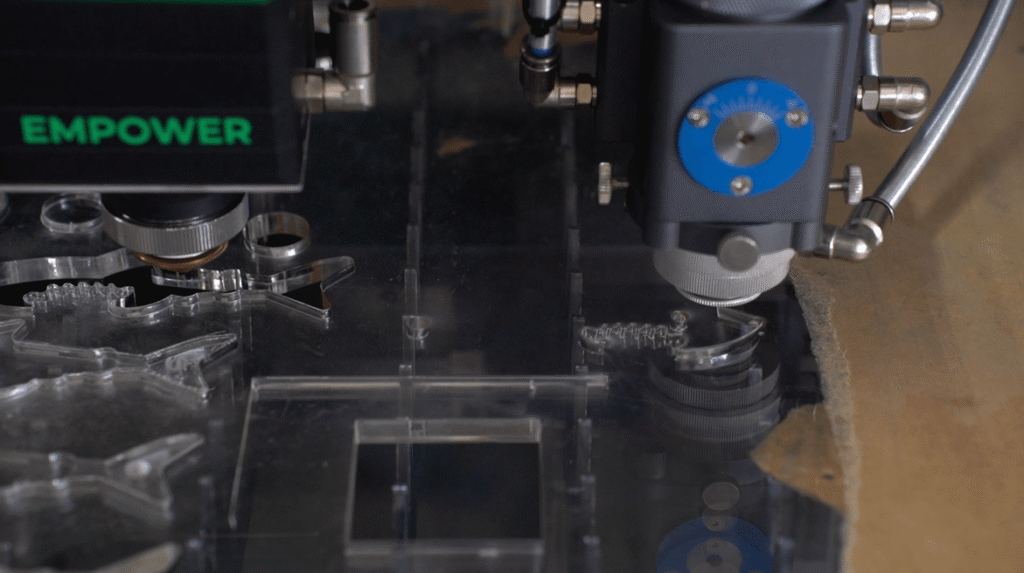
A common use for acrylic is to cut simple shapes out of thicker sheets. Since handling acrylic sheets can be a tougher task, they are not used for thin sections due to the high risk of cracking.
7. Magnet Sheets
The coarse stenciling on the machine steel panels and vehicles uses magnet sheets stencils. Their main advantage is maintaining their shape even when handled aggressively.
8. Silicone and Rubber
Silicone and Rubber are flexible and durable stencil materials. It’s the most expensive stencil with a high friction coefficient suitable for 2D and 3D surface stencil designs.
Under the stereotype that polypropylene (PP) melts easily and thin acrylic cracks easily, BAISON Laser shatters traditional online biases through high-precision processing. Addressing the pain point of plastic thermal melting,
BAISON equipment utilizes advanced MCD100 digital algorithms to dynamically optimize pulse frequency and auxiliary gases. This allows PP materials to maintain their flexibility while perfectly achieving high-precision, burr-free hollowed-out cutting.
Furthermore, when handling fragile 1–2mm thin acrylic for a laser cutting stencil, BAISON leverages its ±0.03mm repetitive positioning accuracy to precisely calibrate current and speed. This mechanically prevents edge chipping due to stress within an ultra-narrow kerf, making it a perfect fit for high-rigidity spray-painting positioning needs and significantly helping manufacturers boost their processing profit margins.
Which Laser Machines Can Cut Stencils?
Picking suitable laser machines for cutting stencils depends on various factors such as material thickness, design, and required level of precision.
A CO2 laser cutter can precisely cut desired stencils. It employs carbon dioxide gas with a mixture of auxiliary gases, like oxygen, helium, and xenon, for cutting various materials. You can use it to cut mylar, paper, cardboard, and acrylic. Its use of various materials makes it a suitable match for cutting stencils for multiple applications.
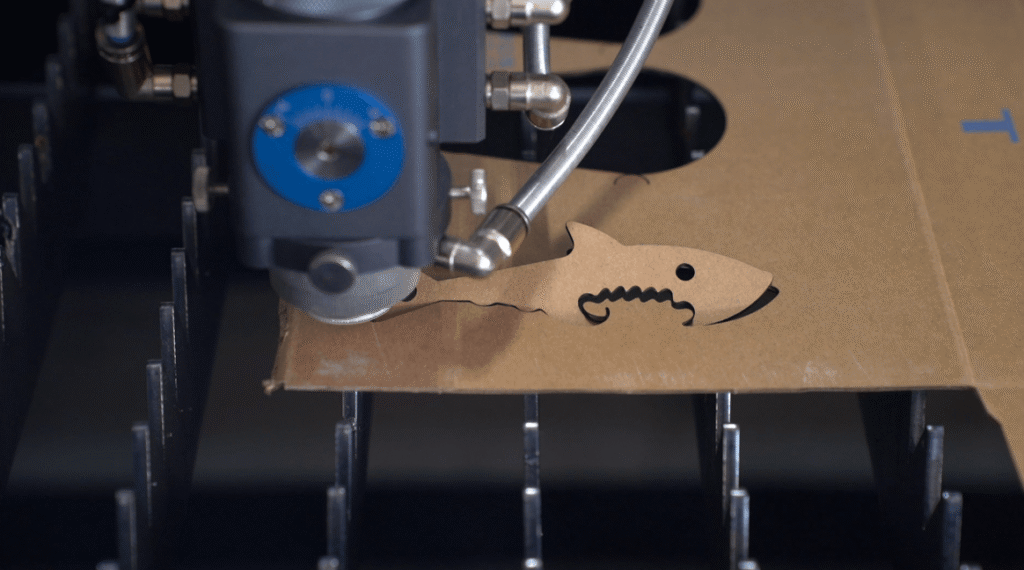
Besides the CO2 laser cutter, you can use a fiber laser cutter to manufacture stencils from easy-to-cut thin sheets. However, you can’t use diode lasers for Mylar sheets as they are thick and need more power for melting and vaporization.
In modern industrial manufacturing, high-precision laser cutting stencils (such as SMT stencils and architectural decoration metal templates) have long been dominated by fiber laser cutting machines rather than outdated CO2 equipment.
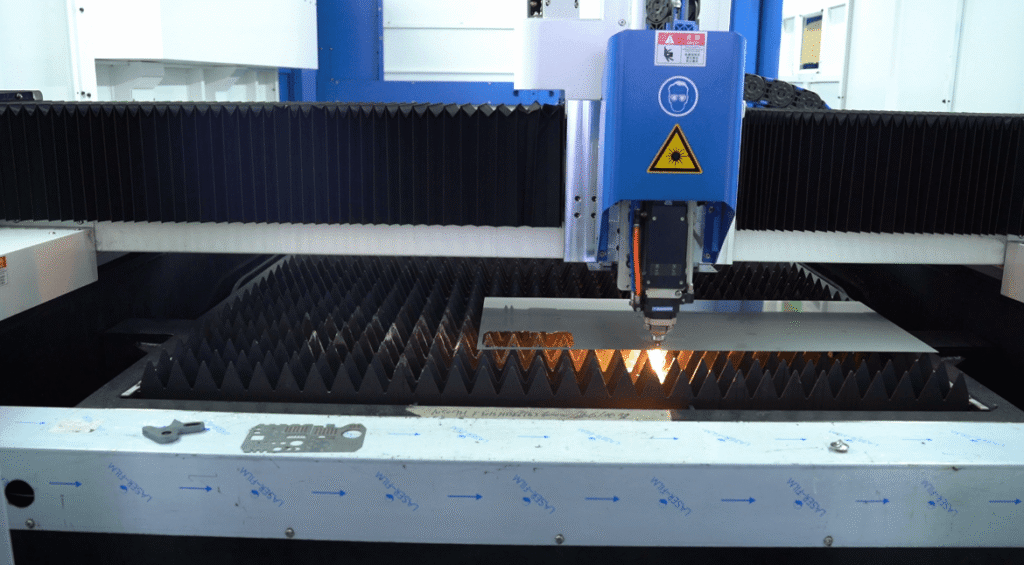
For industrial-grade metal templates like 304 stainless steel, BAISON’s 10kW+ high-power fiber laser cutting machine, paired with high-transmittance focusing lenses and a repetitive positioning accuracy of ±0.03mm, can restrict the kerf to micron-level limits, perfectly mastering dense micro-hole processing.
Conversely, when dealing with non-metallic templates such as Mylar, the core of equipment selection depends on wavelength absorption rate rather than material thickness: the wavelength of fiber lasers (1070nm) easily penetrates non-metals, meaning that if high-quality plastic processing is also required, BAISON’s targeted process tuning or dedicated CO2 series represents the optimal selection to prevent melted edges.
7 Steps to Laser Cutting Stencils
You need a rapid, efficient, precise laser cutting machine to turn your imagination and creative ideas into reality. Here is a step-by-step guide to help you in creating laser-cutting stencils.
Step 1: Create the Stencil Design
Firstly, create your stencil design using laser cutter software like Adobe Illustrator. It should not overlap with the other design to ensure correct execution.
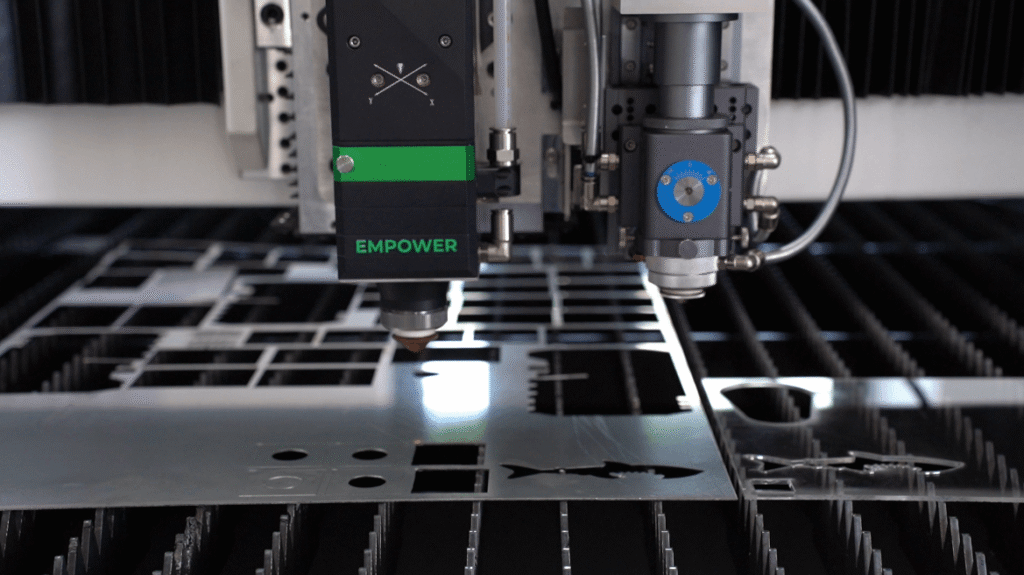
Step 2: Pick the Right Material
Pick the material that suits your thickness, design, and complexity needs. You also need to pick suitable laser-cutting machines.
Step 3: Set up the Laser Cutting Machine
Once you have chosen the perfect material for a stencil, adjust the laser cutting machine’s settings according to the selected material. You can adjust your material’s cutting speed, laser power, and blade setting.
Step 4: Position Your Stencil
The software’s real-time preview lets you align your design to the workpiece when the stencil is on the workbed. To minimize the waste during the process, ensure you have placed the stencil in the right position.
Step 5: Start Cutting
Start the cutting process once you have made the necessary adjustments and changes. The laser-cutting machine will do the job while you can sit back to watch the process.
Step 6: Stencil Cleaning
Immediately after cutting, remove and thoroughly clean the stencil to avoid the accumulation of residue or debris. Our precise laser-cutting machines ensure a professional-looking and smooth stencil. Make sure you remove any excess material from the stencil before using it.
Step 7: Use the Stencil
Once your stencil is ready, secure it properly on the surface. Secure your stencil using ink, paint, or other medium. Baison laser machines ensure precise and clean stencil designs with consistent results.
Settings For Laser Cutting Stencils
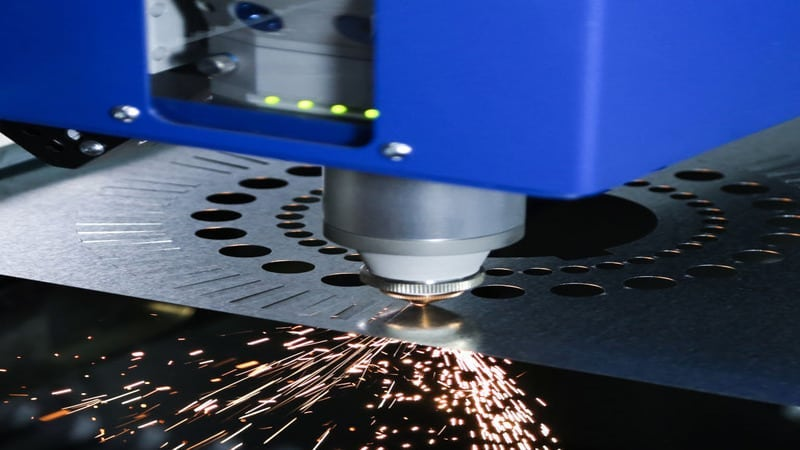
Setting the laser-cutting machine depends specifically on various factors such as speed, frequency, and laser power. The optimal settings vary based on the laser machine’s material thickness, power, and nature.
| Material | Laser Power(%) | Speed(mm/s) | Frequency(HZ) |
| Acrylic | 40-80 | 100-600 | 1000-5000 |
| Mylar | 10-40 | 300-800 | 1000-3000 |
| Sticker Paper | 20-40 | 300-800 | 1000-2000 |
| Polypropylene | 20-50 | 300-800 | 1000-3000 |
| Magnet Sheet | 40-70 | 300-800 | 1000-3000 |
| Paper | 10-30 | 500-1000 | 1000-2000 |
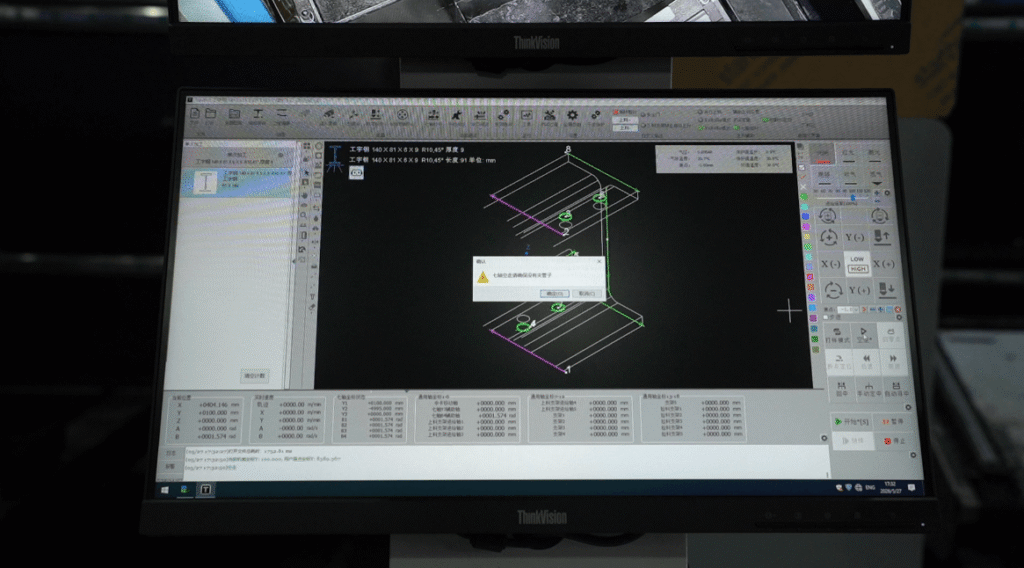
When configuring the process parameters for a laser cutting stencil, any parameter detached from the power baseline is completely meaningless.
BAISON laboratory data shows that when processing non-metallic templates such as 1mm Mylar sheets or 0.5mm PP plastic under a standard 150W CO2 machine, keeping the power controlled between 15%–25%—paired with a high speed of 350–500mm/s and low-pressure nitrogen—can perfectly prevent melted edges and dross hanging.
Conversely, when processing 2mm acrylic or 0.8mm stainless steel metal templates, you must switch to a BAISON 3000W fiber laser cutting machine. Driven by a ±0.03mm repetitive positioning accuracy and 1.5MPa high-pressure nitrogen, the stainless steel cutting speed can reach 180–260mm/s. Combined with a pure negative focus (such as -1.5mm), this mechanically ensures seamless alignment for dense micro-hole kerfs, maximizing your processing profits.
What Industries Use Laser Cut Stencils?
Various industries use laser-cut stencils. These include:
1. Arts and Crafts
Laser-cutting stencils have revolutionized creative expression in the arts and crafts industry. Laser technology has enabled designers to craft stencils, enabling flawless reproduction of complex designs. It has enhanced the artistic process with detail and efficiency.
2. Home Decor
By designing complex and intricate designs, laser cutting stencils have redefined home decor. From customized wall art to detailed furniture decoration, laser cutting’s versatility has offered a seamless fusion of craftsmanship and aesthetics.
3. Defense and Aerospace Industries
In the defense and aerospace industry, laser cutting technology is used in manufacturing components with high precision. Laser cutting helps accurately cut materials, contributing to the manufacturing of complex aerospace parts. It has helped enhance reliability, safety, and performance in aerospace applications.
Precautions for Laser Cutting Stencils
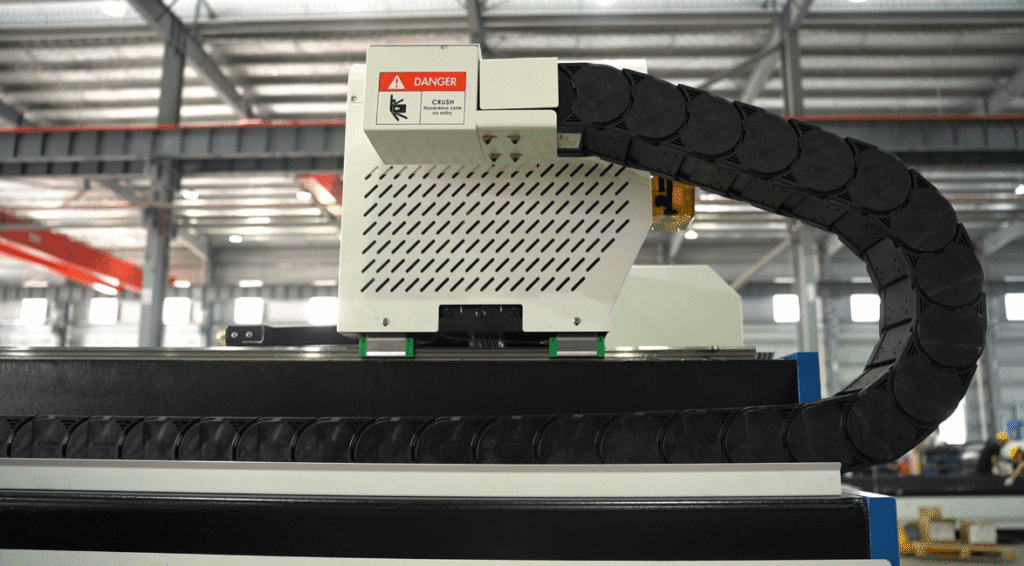
Adhering to the precautions in the laser-cutter stencils process is crucial to ensure the process is completely safe. The following are the most important precautions:
- While operating the laser-cutting process, ensuring a proper exhaust system equipped with the workstation is imperative. The evacuation of hazardous fumes is necessary to maintain a safe working environment.
- Employ advanced fume extraction systems with filtration mechanisms. It is important to minimize the health risks by filtrating the process’s byproducts and prohibiting them from inhaling.
- Ensure real-time monitoring systems are in place to track every essential laser cutting parameter. This will help in the identification of deviations promptly, allowing immediate intervention and adjustment.
- It is necessary to install automated shutdown systems to ensure the system will immediately stop working if it notices any malfunctioning. This is essential to deal with the irregularities and help to minimize the risk of accidents.
- Regular calibration and validation of the laser cutter machines are crucial to uphold the precision in cutting parameters. Consistent calibration is critical to maintaining accuracy and obtaining the desired outcomes.
When addressing safety and quality protection for a laser cutting stencil, blindly copying generic smoke extraction safety rules often covers up specific workshop hazards. Since stencil processing mostly focuses on flammable materials such as 0.3–2mm thin Mylar sheets, polypropylene (PP), or paper, high-frequency laser bombardment can easily release highly corrosive, sticky smoke and trigger edge re-ignition.
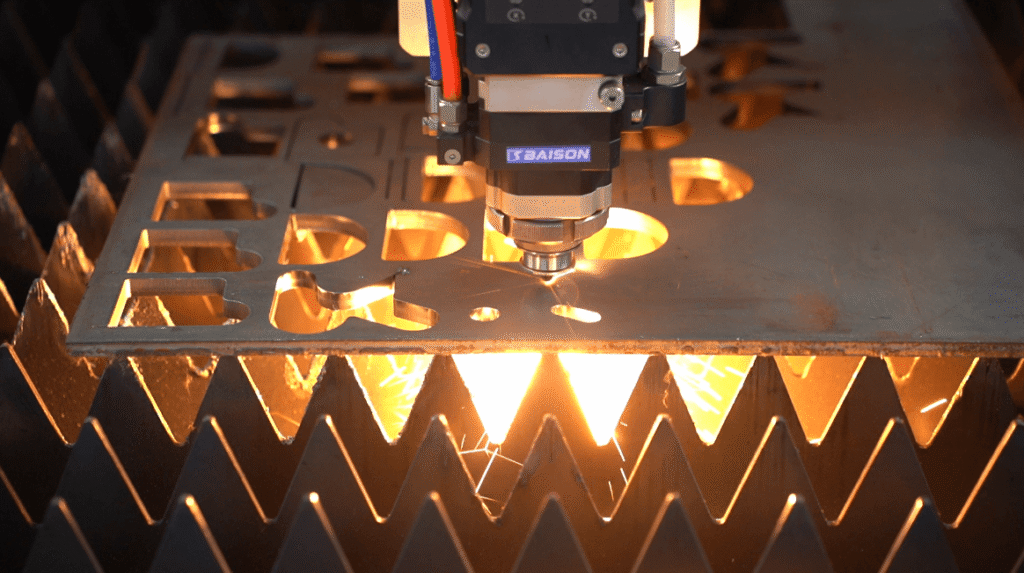
To tackle this, BAISON has specifically introduced a segmented zoning ventilation system. Paired with precise optical path management under a ±0.03mm repetitive positioning accuracy, it captures smoke and dust on the spot the exact moment they escape, mechanically eliminating secondary contamination of the protective lens by resin residue.
This customized design, tailored directly to the pain points of hollow-out processing, not only extends the equipment maintenance cycle by nearly twofold but also serves as the core defensive shield for manufacturers to continuously scale up their processing profit margins.
FAQs
1. Which industries use a laser cutting stencil?
SMT stencils, hardware hollow-out, signage, and packaging. BAISON’s ±0.03mm precision handles metal and non-metal to multiply profits.
2. Why does BAISON support deep customization?
We offer non-standard large formats. The MCD100 algorithm optimizes optics/gas for materials like 1–2mm acrylic to stop chipping and melting.
3. What is the main mistake when choosing a machine?
Trusting “universal charts”. 0.3mm Mylar and 0.8mm stainless steel have different absorption rates; copying settings blindly wastes material.
4. How do thickness and gas affect accuracy?
Thickness sets power; gas purity dictates costs. Thin sheets need zoned extraction to stop fire; metal needs high-pressure nitrogen. Note: Special steel parameters vary by environment; click for custom solutions.
5.Why choose fiber lasers for metal stencils?
For industrial steel mesh, fiber lasers deliver micron-level kerfs and micro-holes that far surpass CO2. With 10kW+ power, speeds double to cut costs.
Conclusion
Laser-cutter transforms how complex and intricate graphic designs are created. Currently, many industries are choosing laser-cutting techniques due to their high precision and accuracy.
The involvement of laser-cutting stencils is increasing widely due to their easy accessibility and usage. The material’s thickness, the design’s complexity, and the laser cutter’s characteristics all need to be taken into account to achieve the desired results.
Choose Baison Laser to Improve Laser Cutting Capabilities!
At Baison Laser, we are committed to providing cutting-edge solutions to your unique needs. Regardless of whether you are a newcomer thinking of entering the laser-cutting industry or want to elevate your laser-cutting game, our laser solutions can help you.
Get a free application evaluation now, and we’ll help you identify the best laser-cutting solution for your business. Also, our team can assist you in optimizing your laser-cutting process and boost your productivity.