There is no doubt that laser-cutting technology has revolutionized manufacturing, making it possible to quickly and easily create high-quality products. While laser cutting is a hugely beneficial technology, there are some ways to improve the quality of your laser cuts. Here are 20 tips to help you get the most out of your laser cutter.
How to Improve Laser Cutting Quality?
A laser cutter is an efficient machine designed for maximum accuracy and high quality. However, several factors can lower the rate of a laser cut. But with the right approach, you can drastically improve your laser cutting quality and produce a top-notch cut.
Baison laboratory and workshop test data demonstrate that the key to maximizing profit margins lies within the easily overlooked details of the optical and gas path systems. For instance, when processing thick plates over 10mm, there is a strict technological dividing line between selecting a high focal depth 7.5-inch lens for carbon steel cutting (utilizing a positive focus to facilitate slag removal) and switching to a negative focus for stainless steel cutting (allowing energy to penetrate deep into the material).
Furthermore, if the auxiliary gas purity drops from 99.5% to 95%, trace amounts of moisture and oil will contaminate the laser tube lens surface under high pressure. This causes the lens lifespan to plummet by over 80%, acting as the hidden culprit behind frequent dross formation and blackened cutting edges.
So without further ado, let’s look at 16 tips to help you improve the laser cutting quality:
1. High Laser Power
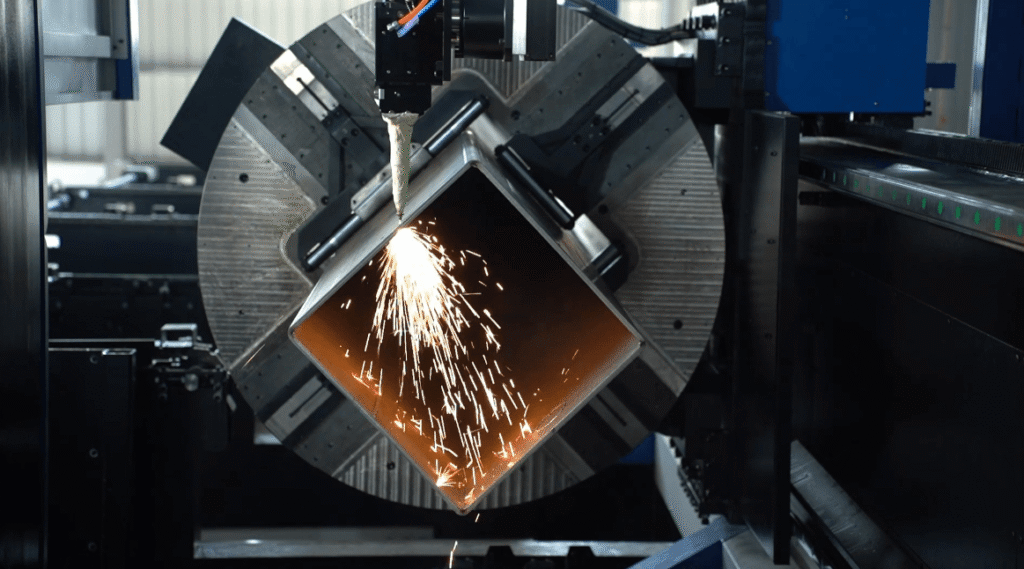
One of the easiest ways to improve the laser cutting quality is to use high laser power. If the material is thick and the laser power is not strong enough, it will cause striations in the final cut. The problem is these striations are usually visible even to the naked eye and can dramatically reduce the final quality.
So, to ensure that such striations don’t appear when cutting thick materials, check the laser power of your machine.
Generally, machines come with an already preinstalled laser beam. So, if possible, we recommend upgrading the laser beam on your machine to a higher power. If your machine allows adjusting the power of the laser beam, you can increase it for a better cut.
However, if your laser cutter is already set to high power, the only option is to upgrade to a better one.
You can easily cut through thick metal sheets with high laser power without compromising the edge quality. For example, you will need a higher laser power for cutting stainless steel than wood.
In short, the laser beam power depends on the required cutting thickness of the material. Low laser power can lead to a poor cutting edge or even failure to make any cut. So the first thing you should check for a high-quality cutting edge is the laser power!
2. Correct Laser Technology
In the day, laser cutting technology wasn’t so advanced, but new and better technologies have emerged over the years. For example, laser cutting machines equipped with a fiber laser offer fast cutting speeds when compared with CO2 laser cutters.
However, fiber lasers are not recommended if the sheet is thicker than 8mm. Using fiber lasers in thick sheets can degrade the quality of the finished cut. That’s why it is important to use the correct laser technology according to the material used.
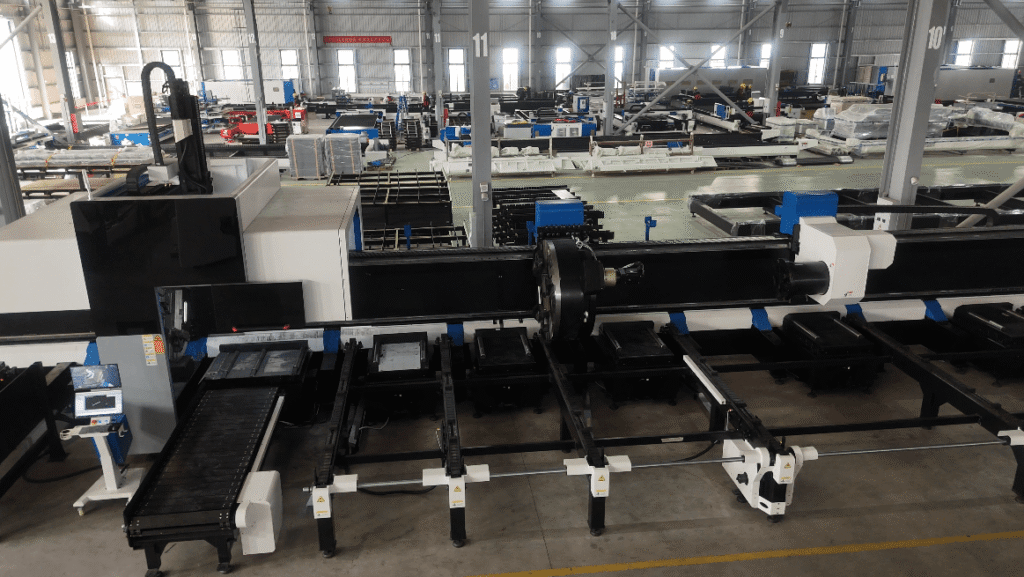
In today’s era of widespread ten-thousand-watt laser adoption, the myth that “fiber lasers are unsuited for cutting plates thicker than 8mm” is a thing of the past. The key to upgrading medium-to-thick plate processing now lies within the heat resistance and explosion-proof performance of the core laser tube lens.
Baison’s flagship 12kW to 30kW ultra-high-power cutting machines, paired with custom-engineered, imported high-transmittance laser tube lenses and dual-layer protective lens groups, have already achieved stable, standardized mass production for cutting 40mm thick plates.
The explosion-proof and anti-thermal distortion upgrades of this optical system thoroughly resolve the industry pain point of focus drift caused by lens temperature spikes under high power. Combined with a ±0.03mm repetition positioning accuracy, it ensures that the cut surfaces remain as smooth and glossy as a mirror even during continuous, full-load operations.
Many metal fabrication plants only realize after comparing the high-gloss finish of thick plate cuts that the anti-distortion design of ten-thousand-watt lenses is the true core differentiator for boosting processing profit margins. Furthermore, scientifically configuring the lens’s water-cooling temperature control and inspection cycles based on different power levels can often multiply the durability of these optical components.
3. Better Material Quality
You may buy an expensive laser cutter, but it will still produce lower-quality cuts if the material used is sub-standard. Expensive technology doesn’t always equal high-quality production. In this context, your materials are as important as your technology.
So, to get a better edge quality and a smooth finish, ensure that the material you use is high-quality. For example, if you use a steel sheet, make sure it is rust-free, pickled, clean, and even oil-free! And while checking the physical conditions of the steel, make sure that it is high-grade steel.
Generally, low-grade steel contains a higher portion of impurities which can interfere with the cutting process. The finished quality can deteriorate even further if low-grade steel is used with an oxygen-assisted laser cutter.
So, use the highest quality material with a smooth and even finish. Considering the popularity of laser cutters over the years, many companies have started offering laser-grade materials suitable for laser-cutting machines.
4. Improve Laser Cutting Speed
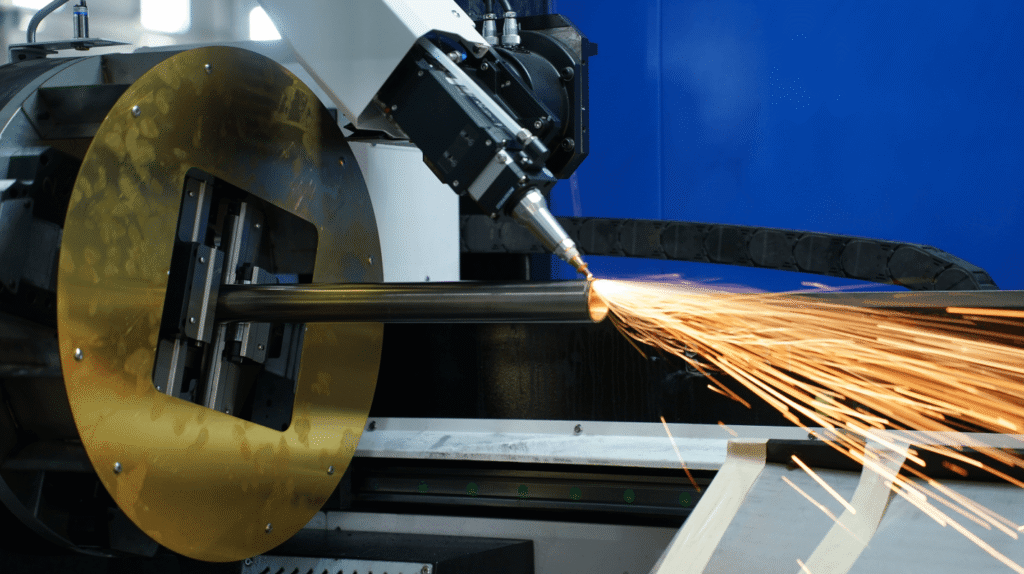
The laser power density and cutting speed are directly proportional to each other. Similarly, the density and thickness of the material are inversely proportional to the cutting speed.
So by improving the laser cutting machine speed, the quality of the final cut can be improved. Some of the things you can do to increase the laser cutting speed include:
- Increase the power within the specified range.
- Use low initial evaporation energy for materials such as plexiglass, plastic, etc.
- Reduce the focused size spot by using a lens of short focal length.
- Cut thin materials based on the power of your laser cutting machine.
- If possible, switch to using low-density materials.
5. Focal Position
Another important factor for maintaining the cutting quality is the position of the workpiece surface and the focal point. Normally, the focal position is slightly below the material surface or right next to the surface during the cutting process.
When cutting the material, ensure that the relative position of the workpiece and the focus remain constant – This will help you get a better quality cut from the laser cutting machine.
Generally, the ideal distance between the workpiece surface and the nozzle is around 1.5mm. However, it can change depending on the material used, machine type, etc..
When the laser beam is focused with a short focal length, it leads to high power density and small spot size. These conditions are ideal for cutting thin material quickly and with superior cut quality.
OOn the other hand, using a lens of wider focal depth is more suitable for cutting thick material.
In actual processing, laser cutting quality depends heavily on the precise matching of the laser tube lens configuration and the focus position.
Baison laboratory data indicates that when processing thick plates over 10mm, there is a strict technological dividing line between lens focal length and focus selection: during oxygen cutting of thick carbon steel, a high focal depth 7.5-inch lens is typically selected with the focus set to a positive focus to ensure smooth slag removal.
Conversely, when handling nitrogen cutting of stainless steel, one must switch to a negative focus to allow the beam energy to penetrate deep into the material for a clean, glossy finish.
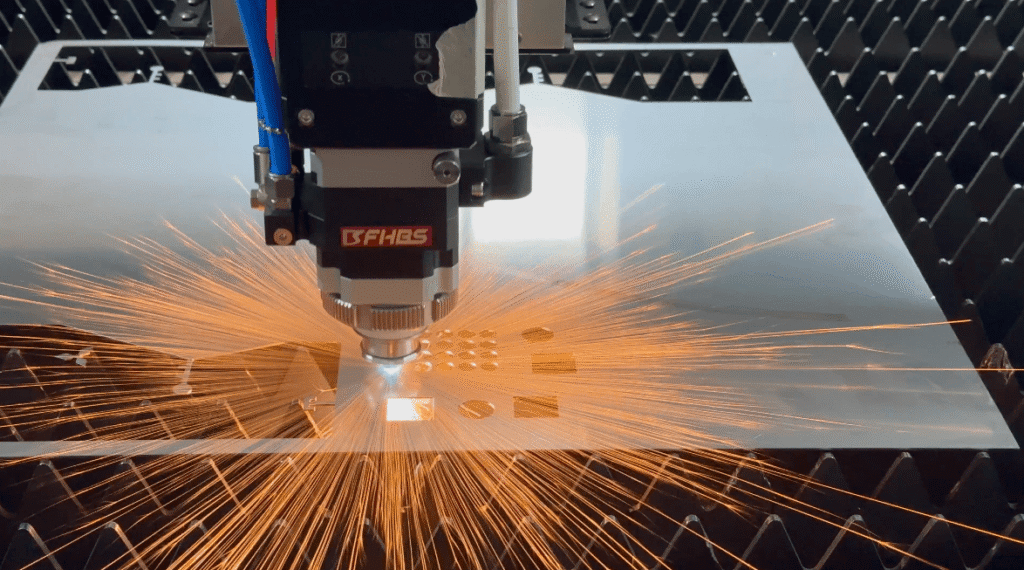
The Baison intelligent cutting head strictly controls the repetition positioning accuracy to within ±0.03mm, thoroughly resolving the industry pain point of focus thermal drift during continuous operations. For your specific material, exactly how many millimeters into the negative range should the focus be fine-tuned, and how should you match the most gas- and power-efficient lens focal length? Let our process engineers generate an exclusive, personalized test parameter chart based on your own material samples.
6. Accurate Laser Cutting File
The laser-cutting file contains detailed instructions for the laser-cutting machine. After reading the information in the laser cutting file, the machine makes the desired engraving or cuts.
So, an easy & straightforward method to improve the quality is to ensure accurate calculations in the laser-cutting file. If the calculations are off by even 1cm or a few millimeters, it can affect the finished quality of the cuts!
The cut must be further refined and sanded down if it is made a little larger. This can ultimately deteriorate the final cut quality.
7. Correct Thickness
Although it is important to choose the correct material, it is equally important to pick the correct thickness too!
A normal laser beam can easily cut materials ranging from 1mm to 10 mm. So if you plan to do engraving, you need to pick material of sufficient thickness. Furthermore, a material that is too thin will melt away upon making contact with the laser beam.
In contrast, picking a higher-thickness material may cause the machine problems in the cutting process. As a result, it can lead to poor-quality cuts.
8. Distance Between Cutting Lines
The distance between the cutting lines is also important among the many factors dictating the cutting quality. Usually, you shouldn’t leave too big of a distance between two or more cutting lines. Similarly, leaving too little distance between cutting lines can cause the material to melt or even cause a fire.
So to ensure that the cutting quality is maintained, try to keep a fair distance between the cutting lines.
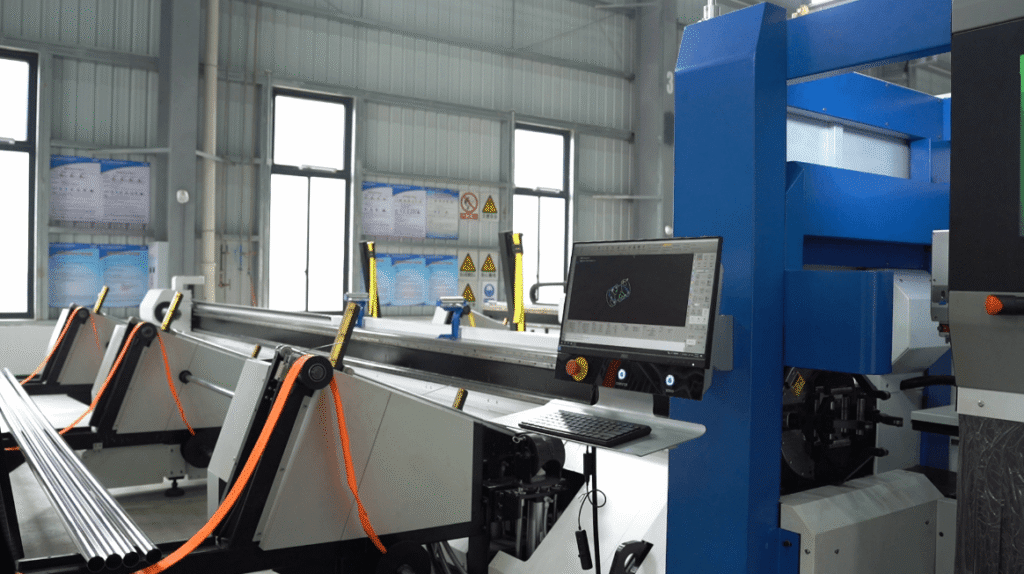
Normally the problem usually arises when the distance between the cutting lines is too narrow. This causes the material to melt and can even break the material due to additional stress from the laser beam.
Unfortunately, no guideline specifies what should be the ideal distance between the cutting lines. This means you have to rely on the guidelines of your laser-cutting machine or guidelines provided by the material supplier.
When cutting high-density geometric patterns or precision mesh screens, the spacing (micro-joints) between cutting lines directly challenges the focal variations and zooming precision of the laser tube lens. Baison workshop test data indicates that the root cause of corner collapsing and overlapping melting experienced by many fabrication plants is the inability of conventional optical systems to suppress lens thermal distortion within dense cutting paths.
Taking a 3mm stainless steel precision part as an example, Baison’s high-power cutting machine utilizes a ten-thousand-watt-level imported laser tube lens paired with a ±0.03mm repetition positioning accuracy.
This setup minimizes focus deformation caused by thermal drift to an absolute low, allowing the minimum safe cutting line spacing to remain stably below 0.5mm without any localized overheating or melting collapse. Many metal fabrication plants only realize after comparing edge sharpness at these extreme boundaries that the ability to maintain thermal equilibrium within ultra-narrow gaps is the true core differentiator for boosting processing profit margins.
9. Add Nodes
One of the benefits of using laser-cutting technology is that it allows one to create assemblies. As mentioned earlier, you need to consider the kerf when making assemblies with the help of laser cutting.
But another factor that needs to be incorporated into your design is the nodes. If you plan to join the cut parts of a material like puzzles, you should add nodes.
Now you may ask, what are nodes? These are small bumps intentionally left to improve friction between pieces and reduce the stress level of the structure!

On the contrary, adding sharp edges to parts to be connected later on is not a good idea at all. Especially if sharp edges are added to the corners, this can lead to weak points, which can endanger the structural integrity of the parts!
Another trick to improve the design and the quality is to add holes near the edges instead of straight & sharp edges.
When laser-cutting materials, this may seem like a minor thing. You may even think about how it will affect the quality of the laser cut. But after you are done with cutting and connecting different parts, it will lead to better structural integrity and improved designs!
11. Skilled Operator
You can buy the best laser cutting machine available in the market. But if the operator is not skilled, you will suffer from quality problems! For example, an experienced operator knows all the correct laser cutting parameters. More importantly, he knows how to optimize the laser cutting machine.
If you want to use the machine by yourself and do not want to hire an operator, then you will need to become skillful! These days, you can easily find a lot of online tutorials on how to use different types of laser-cutting machines.
So, practice with smaller projects before working on a big project to get acquainted with how the machine works!
This will improve cut quality and help you figure out the correct laser-cutting parameters for your machine.
12. Use a Good Laser-Cutting Machine
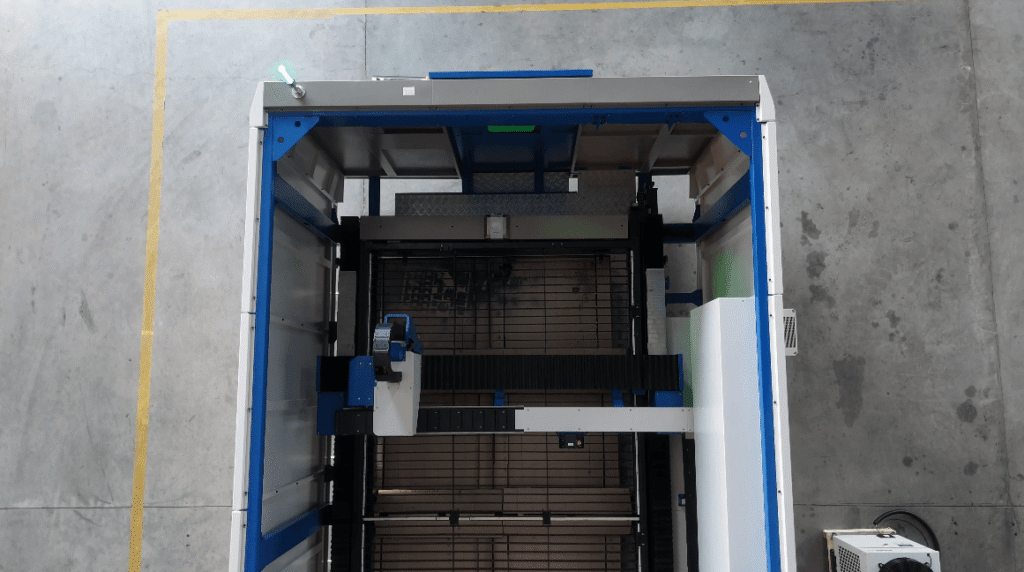
If none of the above-mentioned tricks are working and you are still left with poor quality, maybe it is time to change your laser-cutting device for good!
If you look at the market, you will notice that laser-cutting devices come with different price tags (both high and low). In general, low-cost laser-cutting machines are not good at engraving and only work with limited materials. In contrast, an excellent laser-cutting machine works with many different materials, leading to precise and high-quality cuts.
13. Check Piercing Quality
In high-speed laser cutting, the laser head punches a small hole in the material’s surface. Only after punching a small hole the machine continues its cutting movement.
This small hole made by the laser head is called piercing. It can help you ensure the highest edge and cut quality in laser cutting.
So once this piercing is made, take a moment to look for any abnormal noises, sparks, or a large gap – All of these points towards incorrect laser cutting parameters and should be corrected before starting the process again.
This will help you maintain the edge and grant the highest cut quality!
14. Check Kerf Size
Earlier, we discussed how the kerf should be considered in your calculations. However, the kerf size can also determine whether you will have a smooth and high-quality cut or not.
At the start, try to make a test cut and observe the kerf size.
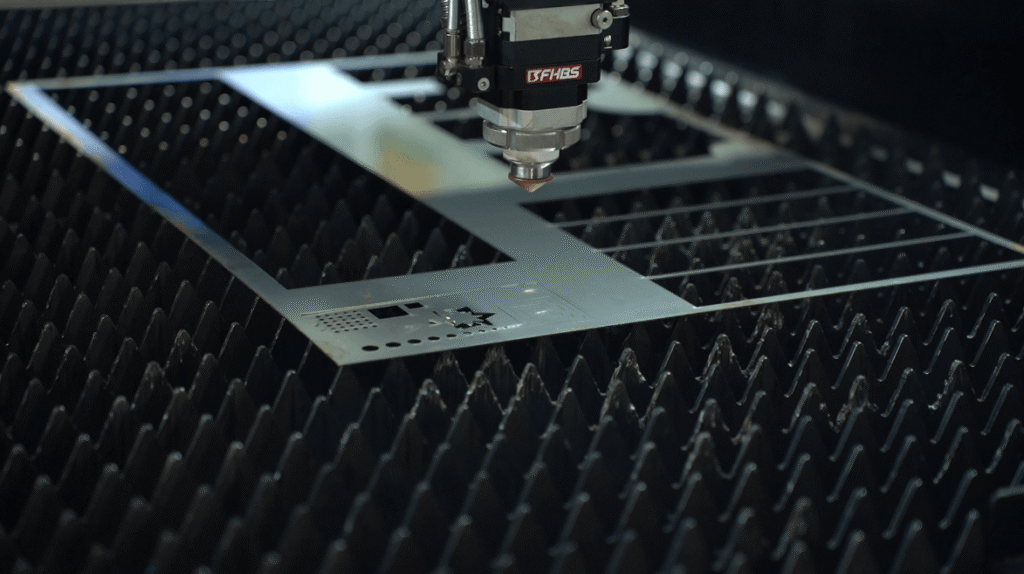
A too-big kerf size indicates that your laser power is set at a high setting. Similarly, it suggests that your cutting speed is slower than it should be. As a result, this leads to a lot of molten material.
So if you notice a lot of molten material or a big kerf size, you should adjust the cutting speed and the laser power settings.
15. Use Pure Auxiliary Gas
The auxiliary gas blows away the waste material (slag) to help the laser beam cut efficiently. Without the auxiliary gas, the slag will accumulate at the material’s surface. In return, it leads to poor or even no cutting.
This means using pure auxiliary gas is important to achieve high-quality and accurate cuts. That’s why you should ensure that the auxiliary gas used in your machine is 99.5% pure (minimum).
Furthermore, using the right auxiliary gas with the material used is equally important. Normally, oxygen gas is used for working with carbon steel, mild steel, and tool steel. Similarly, nitrogen gas is preferred for cutting steel (stainless, mild, and galvanized). As for cutting and engraving aluminum, the air is used as an auxiliary gas.
In short, different gases are used for different materials, and using the right one is very important!
In metal cutting, gas purity directly determines the lifespan and quality of the laser tube lens (protective window). Baison laboratory data indicates that when the purity of nitrogen or oxygen drops from 99.5% to 95%, trace amounts of moisture and oil carried by the gas will contaminate the laser tube lens surface under high pressure.
This causes its absorption rate to skyrocket and triggers thermal distortion, which can lead to the protective window cracking within dozens of hours and shortens the lens lifespan by over 80%. This microscopic optical contamination is the true hidden culprit behind frequent dross formation and blackened cutting edges, both of which are notoriously difficult to troubleshoot.
To resolve this, Baison’s high-power cutting machines implement a rigorous multi-stage gas path filtration design. Combined with a ±0.03mm repetition positioning accuracy, it ensures that the laser beam stably unleashes its core energy after focusing through a clean lens.
Many metal fabrication plants only realize after comparing lens depletion rates and the high-gloss finish of cut edges under different gas purities that gas path details are often the true core differentiator for boosting processing profit margins. Furthermore, scientifically configuring the gas pressure and inspection cycles based on varying sheet thicknesses can often multiply the durability of standard lenses.
16. Use Correct Nozzles
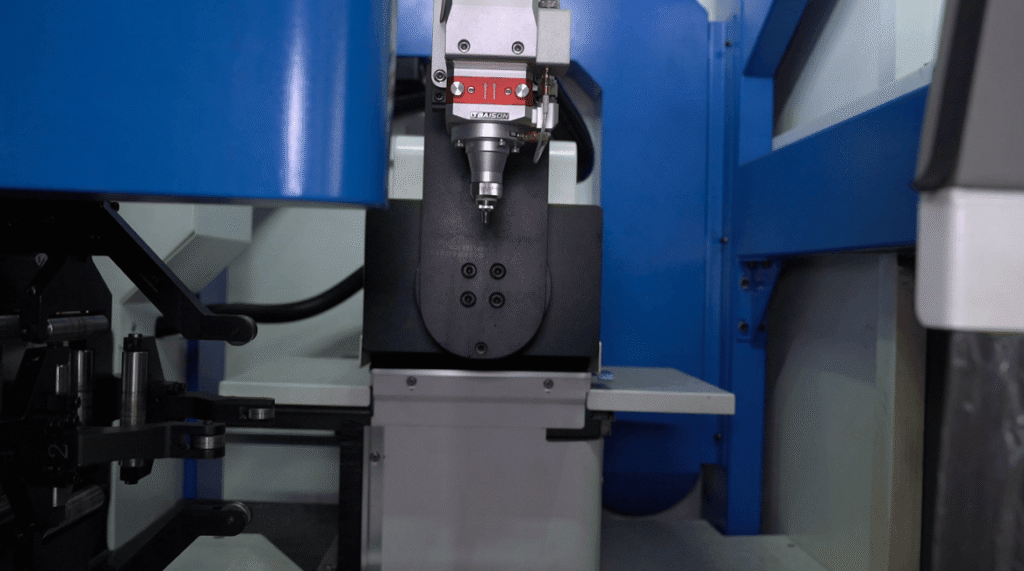
The nozzle controls the auxiliary gas’s injection area in a laser-cutting machine. This directly affects the laser-cutting quality, so the nozzle’s height, size, and structure are equally important to producing quality cuts and engravings.
A partially damaged nozzle can cause uneven airflow and affect the auxiliary gas flow on the material. So, the first thing is to ensure that your nozzles are in good shape and not damaged.
Another thing to remember is to use the right nozzle diameters for cutting different thicknesses. For example, a Φ1.2 nozzle is suitable for stainless steel plates of 1-6mm thickness, and a Φ2.0 nozzle is useful for stainless steel plates around 6-10mm thick. Basically, as the thickness increases, the nozzle’s size also increases!
Also, ensure that the nozzle is coaxial with the laser beam to maintain good quality in the cutting process. Another factor to check is the distance between the workpiece and the nozzle, because it also affects the quality of the cutting!
In nozzle and airflow control, aperture selection is only the foundation; the structural differences between single/double-layer designs and the coaxiality between the nozzle and the laser tube lens focused beam are the true lifelines determining cutting quality. Baison workshop tests indicate that when a nozzle deforms or becomes misaligned with the lens beam, the eccentric airflow directly disrupts the molten metal flow field, leading to single-sided dross on the cross-section, rough striations, or even localized incomplete cuts.
To prevent this, operators must perform a rigorous pre-startup inspection using the “tape dotting method”: stick transparent tape to the nozzle end face, fire a pulse laser shot, and observe whether the circular burned hole is perfectly centered.
Baison’s high-precision intelligent cutting head, leveraging a ±0.03mm repetition positioning accuracy, mechanically guarantees long-term stable coaxiality between the lens and the nozzle, thoroughly widening the gap in processing profit margins.
Furthermore, scientifically optimizing the flow field and dotting inspection cycles according to the characteristics of single/double-layer nozzles can often multiply the durability of standard lenses and nozzles.
FAQs
1. Why does a dirty laser tube lens degrade cutting quality?
If gas purity drops to 95%, moisture and oil contaminate the laser tube lens, causing thermal drift. This microscopic contamination is the hidden culprit behind frequent dross and blackened cuts.
2. How do custom lenses improve high-end cutting quality?
Baison offers custom 10kW+ high-transmittance laser tube lenses. Paired with a ±0.03mm positioning accuracy, they stably cut 40mm thick plates. As parameters vary by environment, click here for your customized solution.
3. How does incorrect focus matching affect cutting quality?
Blindly setting the focus on plates over 10mm causes rough cuts. Baison tests show carbon steel requires a high focal depth lens with positive focus for slag removal, while stainless steel demands a strict negative focus.
4. How does nozzle misalignment ruin cutting quality?
Misalignment disrupts the airflow field, causing single-sided dross or incomplete cuts. Operators must use the “tape dotting method” before startup to ensure the burn hole is perfectly centered.
5. How can daily maintenance guarantee high cutting standards?
Every 8–12 hours, wipe the lens from the center outward using anhydrous ethanol and lint-free cloths. Avoid ordinary cotton swabs; precise optical management is key to boosting profit margins.

Conclusion
As you can see, a lot goes into ensuring that your laser cutter produces the best quality engravings and cuts. Although our list of 20 tips may seem extensive, following every single one will help you solve all the problems related to quality, slow speed, or poor edge quality!